

This is a guest post from Maximilian Maier
Support for Proxmox from Veeam has been one of the top requests in the last months. Therefore the announcement in May to extend the Hypervisor support to Proxmox Virtual Environment (VE) has been long awaited! This will be the 7th virtualization platform supported by Veeam, in addition to the 3 cloud hyperscalers and the Veeam agents.
The Proxmox integration is currently planned for Q3 of 2024 and v1 will already include some nice features/benefits:
- flexible storage options
- immutable backups
- granular recovery
- cross-platform recovery (for example Proxmox <> VMware)
- Veeam ‘standard’ performance with CBT, hot add backup and Bitlooker
In part 1 of this blog series I want to give a quick overview of the architecture of Veeam Backup for Proxmox and it’s initial setup.
Disclaimer: All information and screenshots in this blog post are based on an early access release. Until the final release changes can and will occur!
Architecture
The Proxmox integration itself will be enabled with an additional plug-in, which is installed on the Veeam Backup Server.
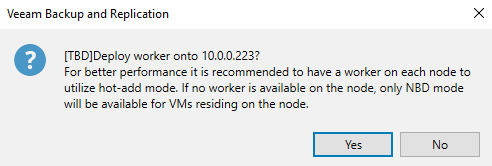
Besides the Veeam Backup Server and at least a Backup Repository, Veeam Backup for Proxmox will utilize workers. The workers transfer the VM data from the Proxmox VE host to the backup repository; similar to the workers in AHV backup or the backup proxies for VMware. They are Linux based and can be deployed directly from the Veeam console. There should be at least one worker per host in order to utilize hot add transport mode.

Plug-in setup
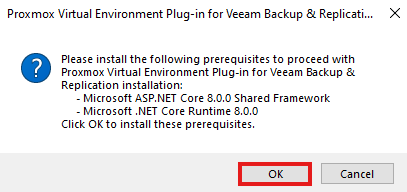
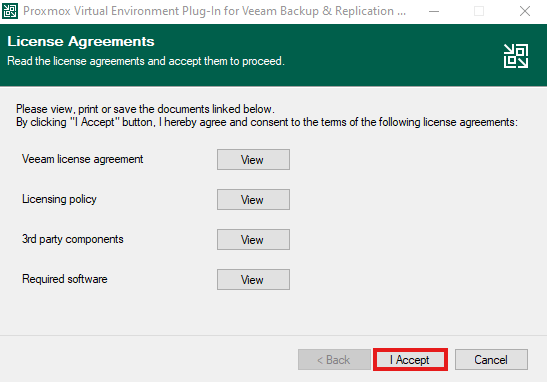
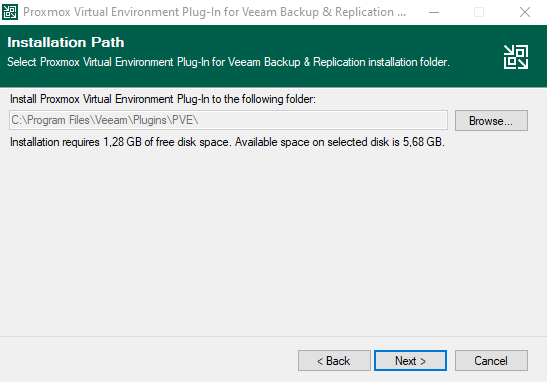
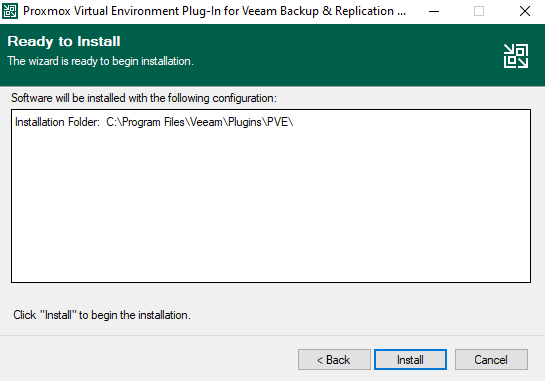
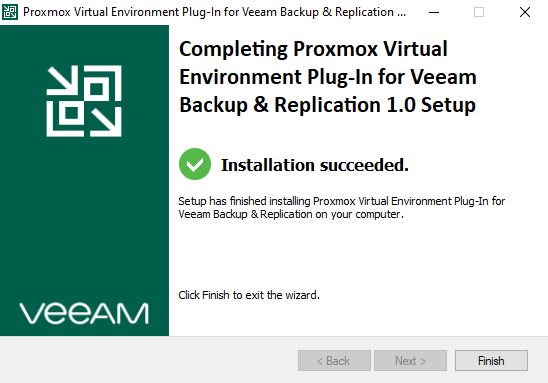
Nothing special to write about the setup of the plug-in; next, next, finish.
Adding a Proxmox VE host
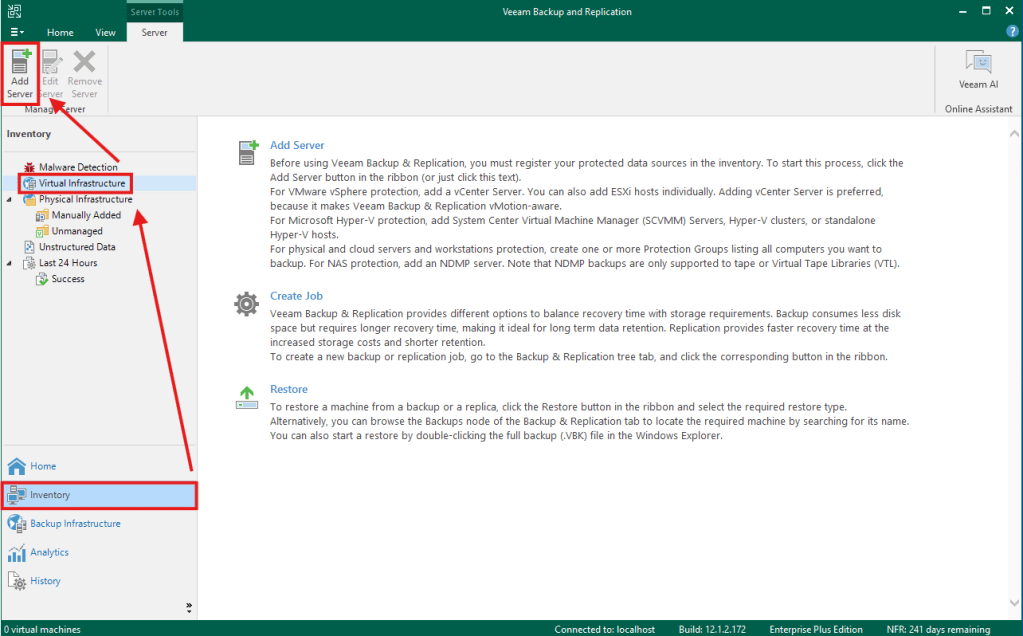
After installing the plug-in, Proxmox will be available as an additional server in the Virtual Infrastructure tab.
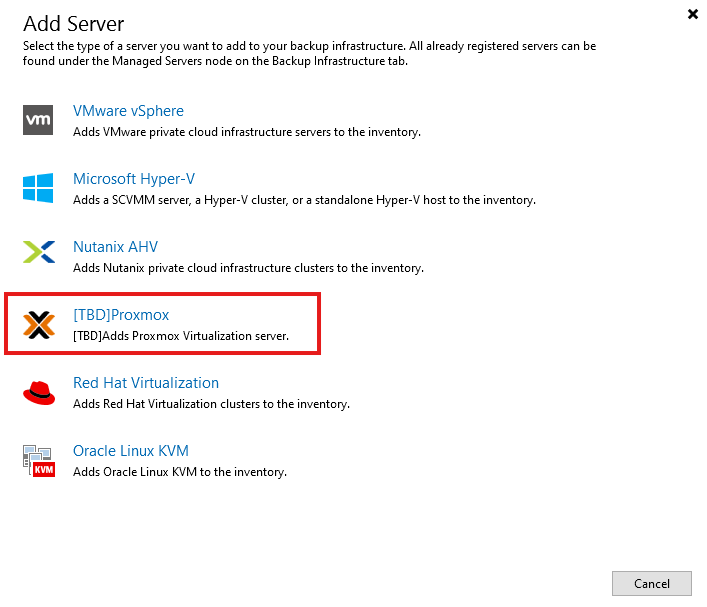
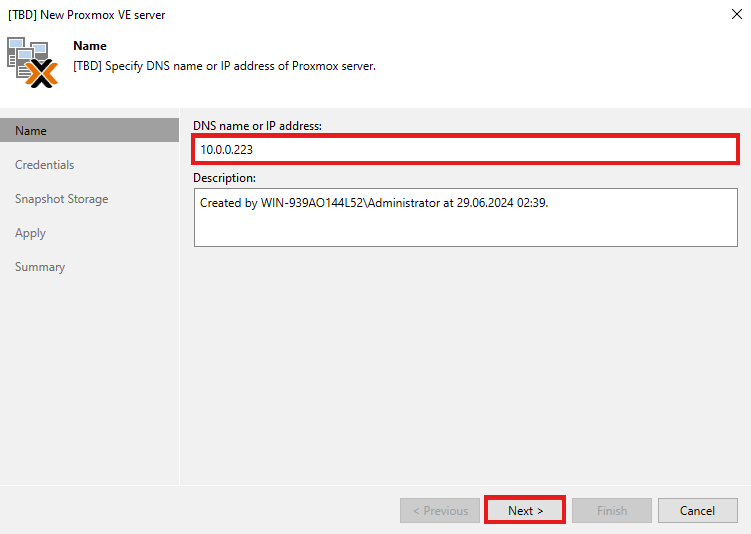
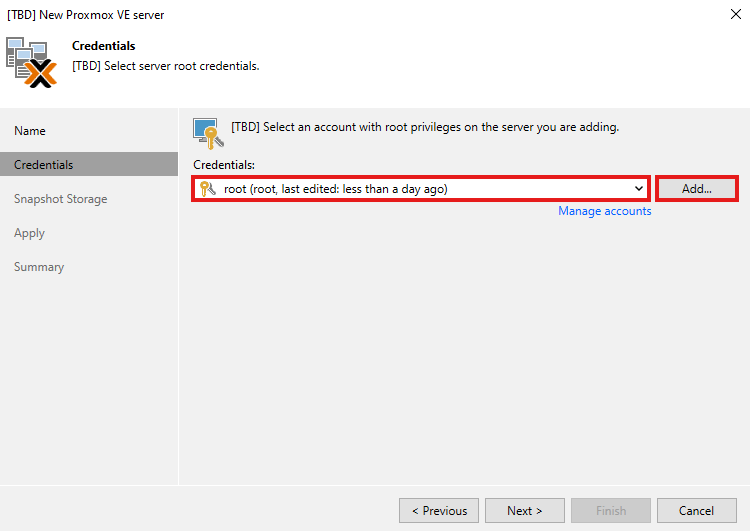
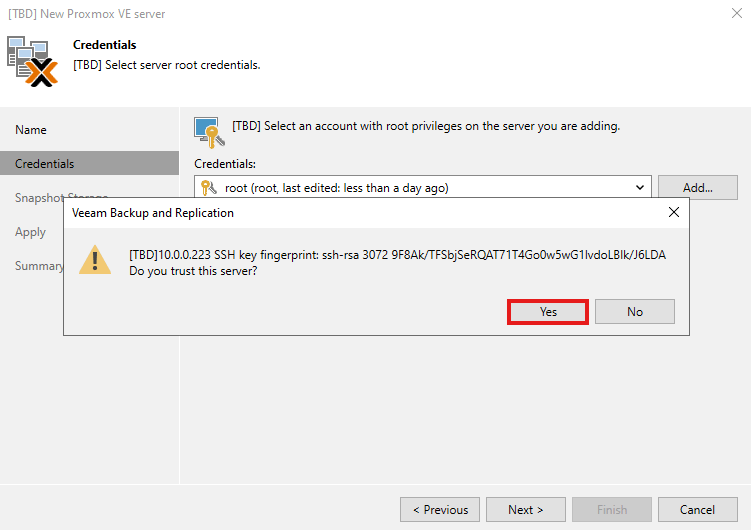
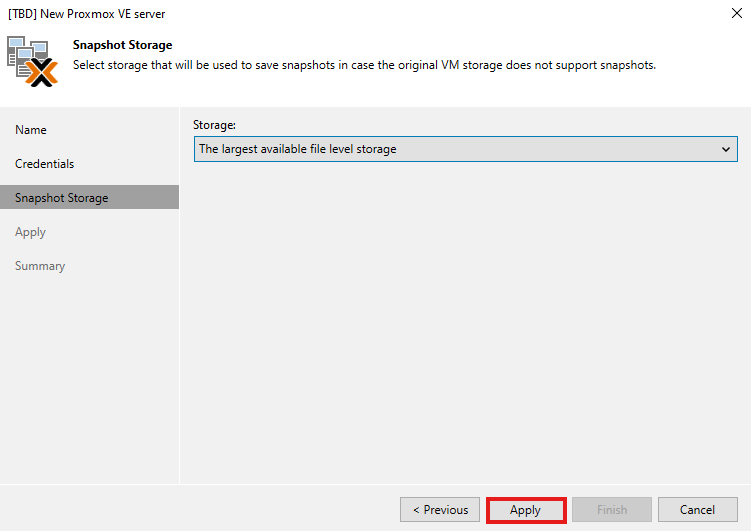
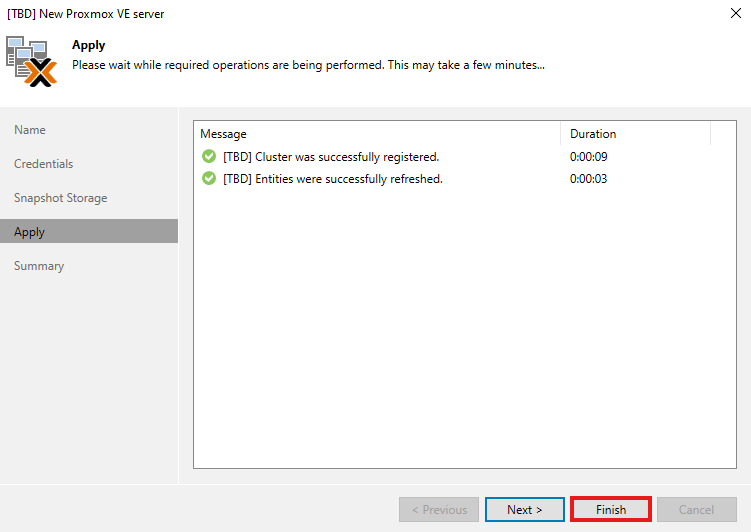
Directly after adding a new Proxmox host, you’ll get asked whether you want to deploy a worker .
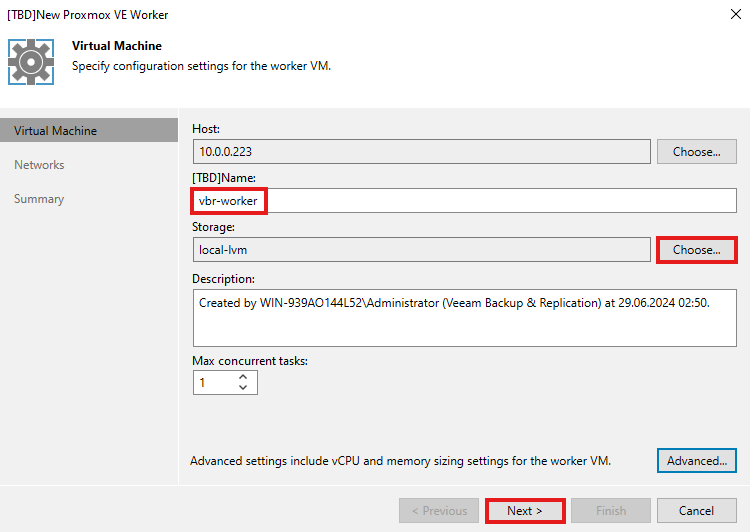
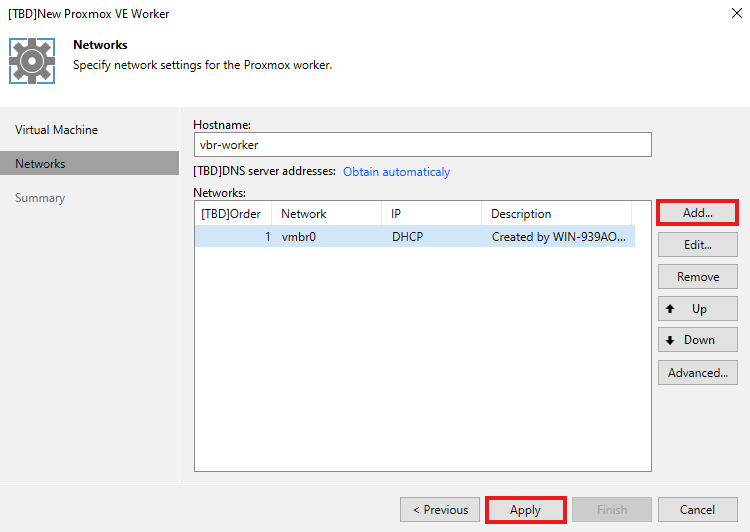
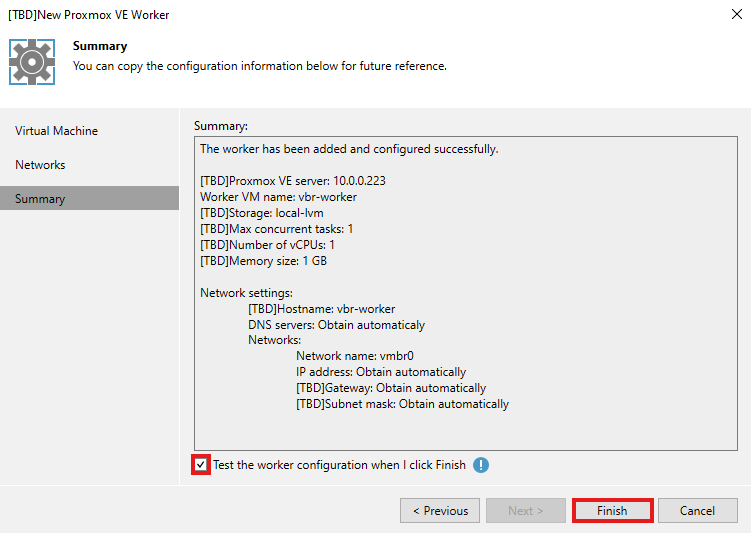
Afterwards the Proxmox host including it’s VMs should be visible in the inventory.
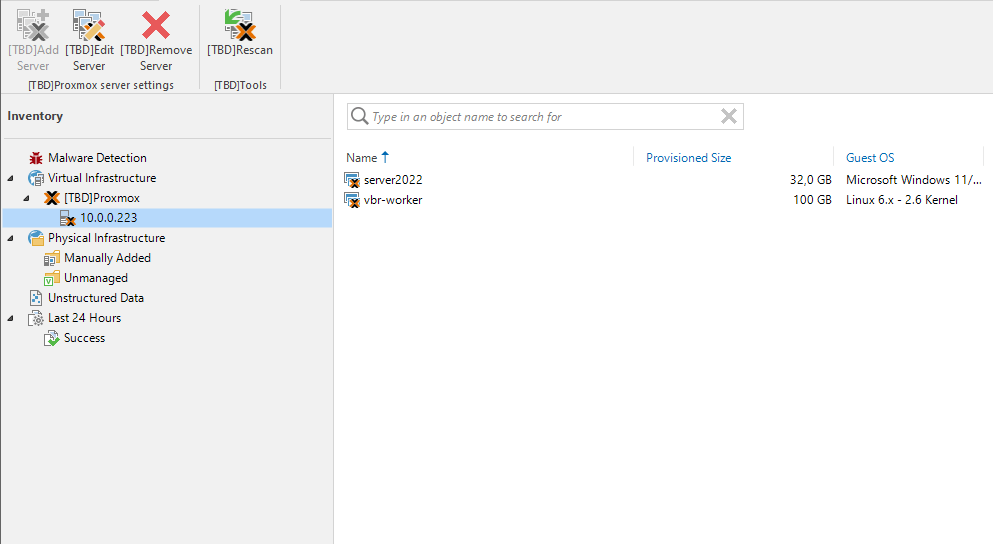
Overall the setup and configuration of Veeam Backup for Proxmox isn’t complicated and very straightforward. In the next blog post I will focus on backup & restore of Proxmox VMs, and also on the migration of workloads from VMware to Proxmox.


 Michael Paul | @micoolpaul
Leave a comment