

This is a guest post from Maximilian Maier
Update 21.07.2025: Since my post in 2023 there have been some changes regarding the Veeam Hardened Repository ISO. In 2024 the Ubuntu based ISO has been replaced by a new ISO which is running on Rocky Linux. This ISO is available to all customers through the my.veeam.com portal. And with the next major release it’s planned to have a single ISO image for all Veeam components.
There were many great sessions and announcements at this year’s VeeamON in Miami. One was about a feature which I like very much, the Hardened Repository.
The Hardened Repository is a Veeam Service which runs on a supported Linux distribution of your choice. After the backup files are created, this service sets the immutable flag on the filesystem which prevents the deletion/change of those files. If configured correctly, you get a highly secure blackbox which protects your backups from ransomware, bad actors or accidental deletion. Introduced with Version 11 of Veeam Backup & Replication, this has created quite some interest among the Veeam customers.
The biggest issue so far for many Microsoft-only shops has been the Linux part of the hardened repository. Installing a Linux server and setting up everything actually isn’t that complicated, but without some basic Linux skills one might be afraid of this task. Also troubleshooting any kind of problem could easily become overwhelming.
And this brings me to the announcement Christoph Meyer, Hannes Kasparick and Rick Vanover from Veeam made during their session. They have created a pre-built ISO which contains a minimal, hardened installation of Ubuntu Server 20.04 LTS. In addition all the necessary preparation steps for the hardened repository were already done. This means you only have to enter the network configuration, define the hostname and user credentials, and you’re good to go. Just be aware that the ISO will automatically re-format your disk storage; the smallest volume will be used for the OS, the volume for the backup files.
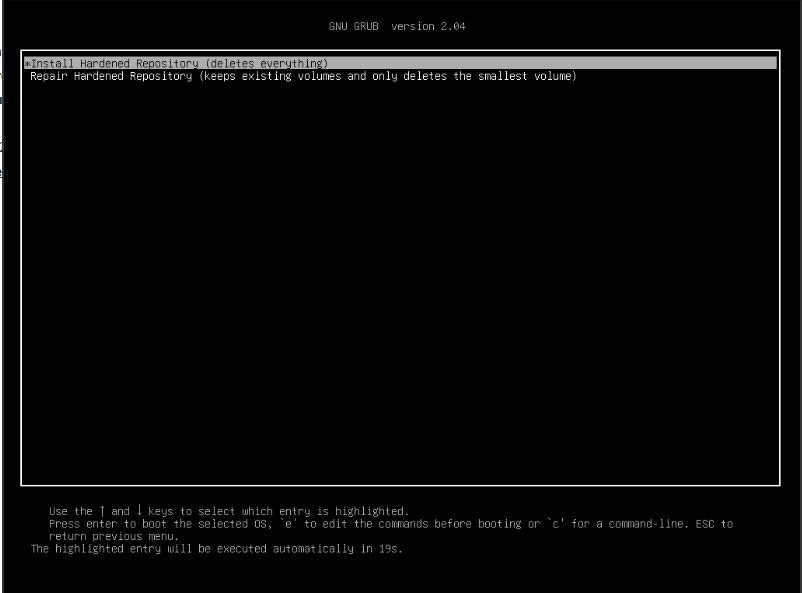
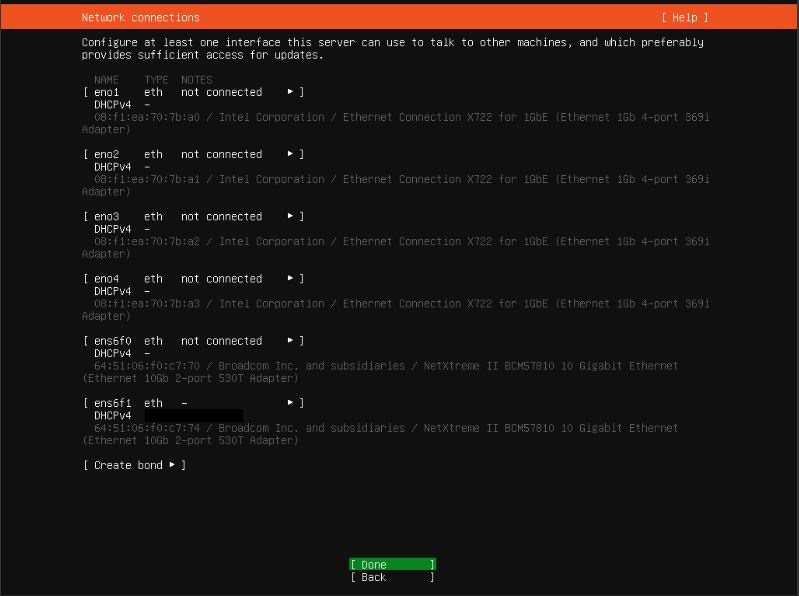

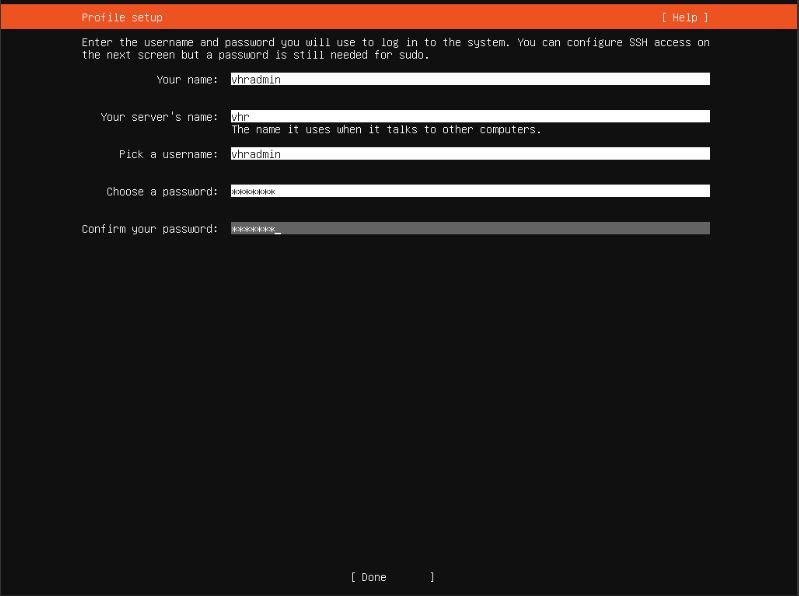
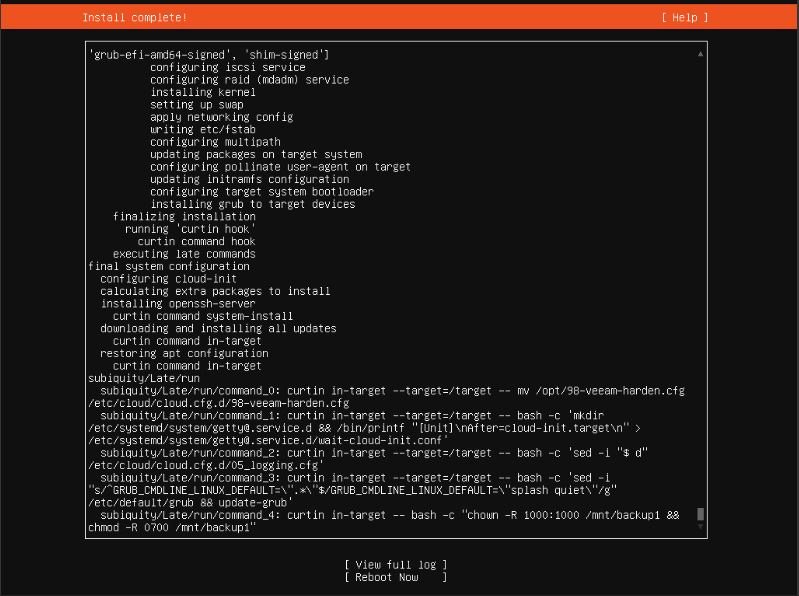
After the setup finishes and you reboot your server, you go directly to your Veeam console. There you add the server as hardened repository, which, by the way, did get an own option under direct attached storage: ‘Linux (Hardened Repository)’

Check out the Veeam helpcenter for the detailed process: https://helpcenter.veeam.com/docs/backup/vsphere/hardened_repo_launch_wizard.html?ver=120
When your done, all you need to do is rebooting your hardened repository server a second time. This kicks off the hardening process and afterwards your server comes up compliant to DISA STIG. You can read in detail what this means in the following links:
- https://www.veeam.com/sys507
- https://helpcenter.veeam.com/docs/backup/vsphere/hardened_repository_ubuntu_configuring_stig.html?ver=120
The important part here is, that this ISO will provide you a really secure Ubuntu server installation, where you’re not even have root permissions anymore (workaround available). If you were afraid of setting up the server yourself, this ISO will take away any complexity.
Support statement, download & further information
If you want to try out the ISO or read about more details, then you should check out Rick Vanover’s post in the Veeam community. Before I post the link, just a short quote on the support for this ISO, as it’s a community project:
Installable .ISO General Information & Support Statement
It’s a community project. please don’t call Veeam support for use of the .ISO. Once a VHR is deployed and configured in Veeam Backup & Replication, it would be subject to support.
Automatic updates are enabled.
The user does not have permissions to update manually.
We plan to add a note to the banner message where to find more information about the ISO installer.
So if you experience any issues during the deployment, you should post it in the topic. If you have any issues later on, you will be supported by Veeam. Anyways, it would be great if you leave a feedback in the Veeam Community and maybe shared some hardware details.
And here’s the promised link to the community post, the download can be found under ‘Installable .ISO’: https://community.veeam.com/blogs-and-podcasts-57/all-demo-session-for-veeam-hardened-repository-playlist-from-veeamon-4808


 Michael Paul | @micoolpaul
Leave a reply to cagkane85cb47593 Cancel reply